


79
/ 100
SEO score
Google has launched a new open source project called código abierto llamado open source AMP – Accelerated Mobile Pages in Spanish “Páginas de Aceleración Móvil”.
The goal is to make mobile browsing much faster and smoother. In fact, Google estimates it can be up to 4 times faster than conventional websites.
Why did this project come about?
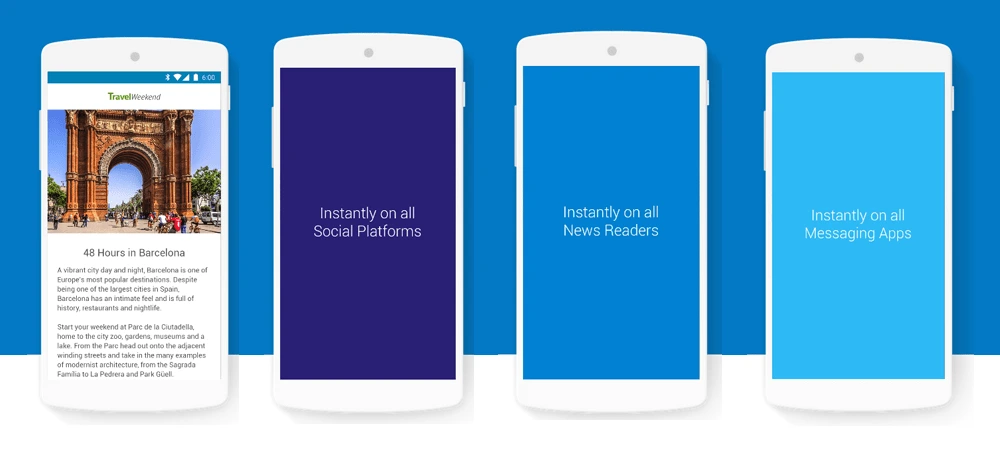
La Mobile browsing has grown a lot in recent years. Most users now get their information on the spot through smartphones and tablets. On top of that, information is no longer just text with images: more and more of itis consumed through graphics, videos, and so on. These resources are very heavy, so websites take a long time to loadcompletely and the user experience suffers.
To be more exact, it is proven that a user who waits more than 5 seconds for a site to load will go somewhere else. And if you don’t believe it, here is the Amazon case.
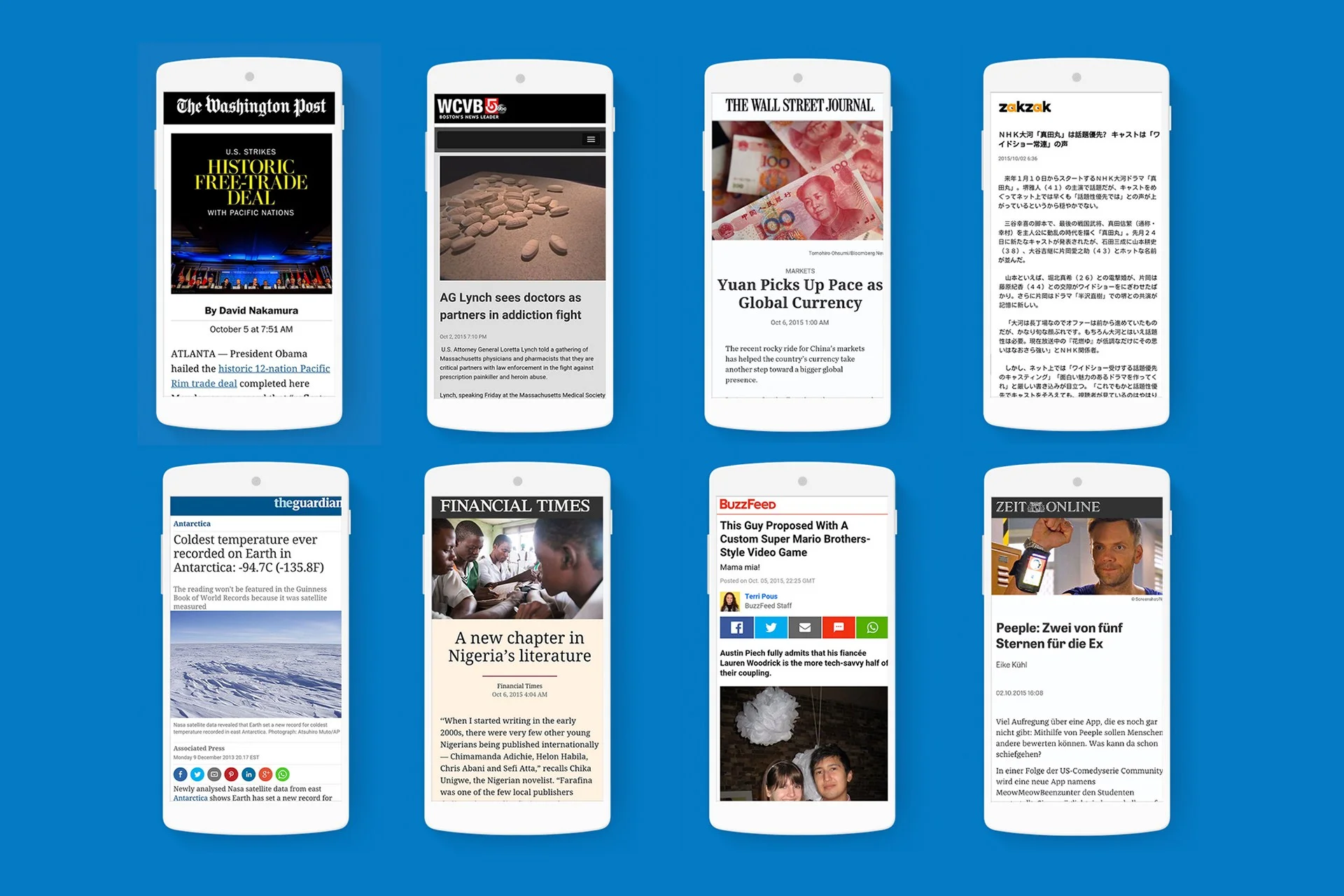
For the launch of Google AMP, the main media outlets have joined in, such as the newspapers El País, Time, BBC, The Guardian, Financial Times, BuzzFeed, Mashable, New York Times, etc., together with web technology pioneers such as Google, Twitter, Linkedin, WordPress, Nuzzel, Pinterest, etc.
In short, AMP is an HTML framework built entirely with current web technologies (HTML, CSS and JavaScript), which makes it possible to build lightweight websites.
The project is hosted on GitHub
How is Google AMP implemented?
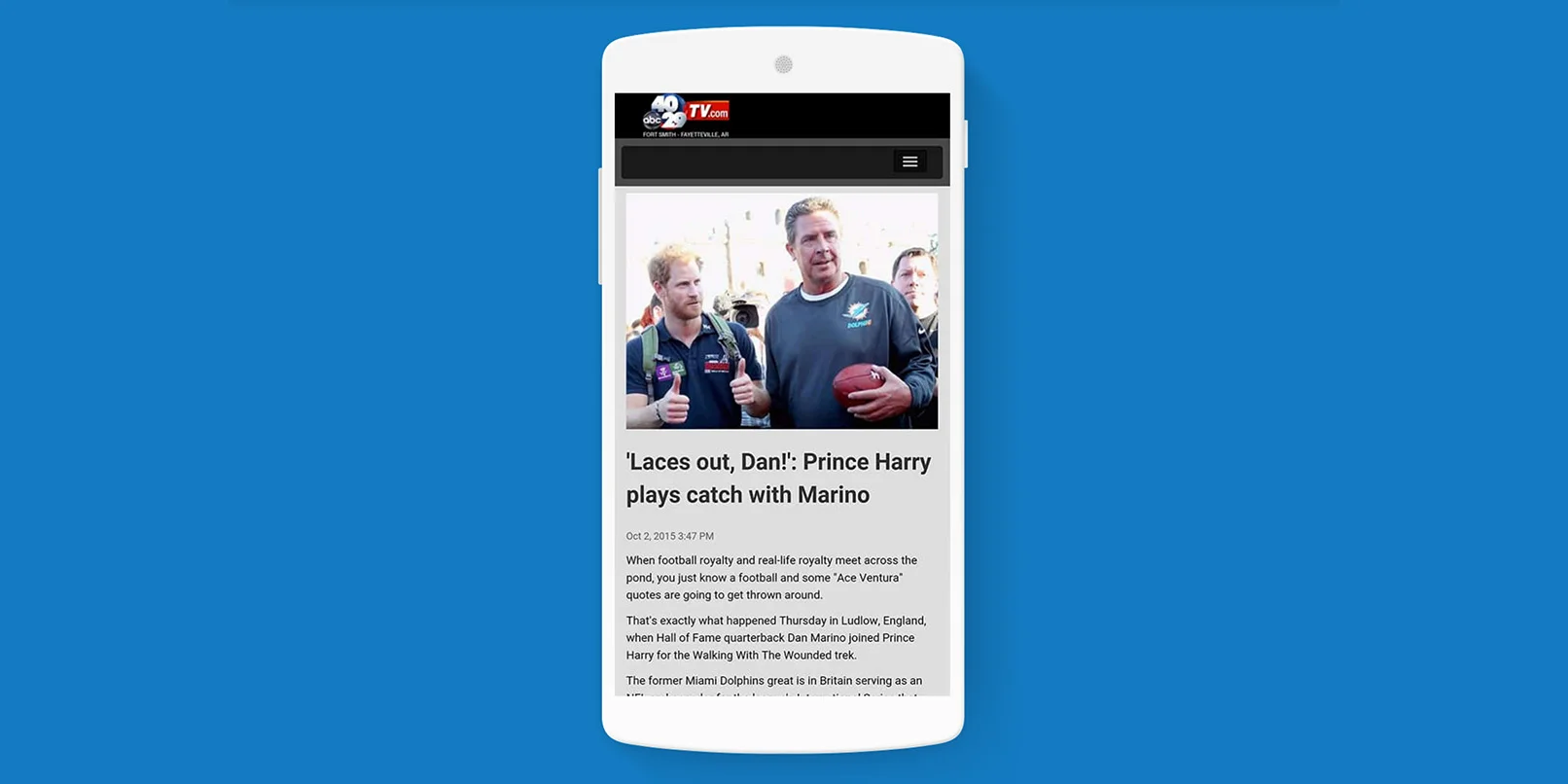
Technically it uses its own JavaScript and avoids external scripts, implementing Custom Elements and WebComponents. These AMP components can contain JavaScript.
In short, AMP HTML is not designed for web applications, if that is what you are thinking. It is designed for publishing sites, like this blog
Example of an AMP HTML page
This is what a static AMP HTML page would look like:
<!doctype html>
<html AMP>
<head>
  <meta charset="utf-8">
  <title>Sample document</title>
  <link rel="canonical" href="http://./regular-html-version.html">
  <meta name="viewport" content="width=device-width,initial-scale=1,minimum-scale=1,maximum-scale=1,user-scalable=no,minimal-ui">
  <style amp-custom>
    h1 {color: red}
  </style>
  <script type="application/ld+json">
  {
    "@context": "http://schema.org",
    "@type": "NewsArticle",
    "headline": "Article headline",
    "image": [
      "thumbnail1.jpg"
    ],
    "datePublished": "2015-02-05T08:00:00+08:00"
  }
  </script>
  <script async custom-element="amp-carousel" src="https://cdn.ampproject.org/v0/amp-carousel-0.1.js"></script>
  <style>body {opacity: 0}</style><noscript><style>body {opacity: 1}</style></noscript>
  <script async src="https://cdn.ampproject.org/v0.js"></script>
</head>
<body>
<h1>Sample document</h1>
<p>
  Some text
  <amp-img src=sample.jpg width=300 height=300></amp-img>
</p>
<amp-ad width=300 height=250
    type="a9"
    data-aax_size="300x250"
    data-aax_pubname="test123"
    data-aax_src="302">
</amp-ad>
</body>
</html>
Source: https://github.com/ampproject/amphtml/blob/master/spec/amp-html-format.md#dctp
Markup
The HTML markup is different from the usual one.
First we have the <html AMP> tag to indicate that this is an AMP HTML document. It can also be written as <html ⚡>.
<link rel="canonical" href="http://./regular-html-version.html">
Indicates the traditional HTML version, or the AMP HTML document itself if there is no other version.
The viewport tag is the same one we would use if we want (and we should) to have a responsive website:
<meta name="viewport" content="width=device-width,initial-scale=1,minimum-scale=1,maximum-scale=1,user-scalable=no,minimal-ui">`
The AMP.js library is included as the last element inside the <head>, loaded asynchronously with async:
<script async src="https://cdn.ampproject.org/v0.js"></script>
Metadata
It is recommended to use Schema.org for document semantics, specifically schema.org/CreativeWork or, if you want to be more specific, schema.org/NewsArticle or schema.org/BlogPosting. More types will be added later.
In the document we use NewsArticle defined with JSON-LD:
<script type="application/ld+json">
  {
    "@context": "http://schema.org",
    "@type": "NewsArticle",
AMP HTML components
Several HTML elements are replaced by AMP HTML components to optimize performance. Here are some of them:
- <script> is not allowed unless it is used to specify Schema semantics with JSON-LD
- <amp-img> replaces <img>
- <amp-video> replaces <video>
- <amp-audio> replaces <audio>
There is a lot more information in the rest of the specification: AMP HTML Format | AMP HTML Components
In WordPress
If you have a WordPress site, you can integrate it directly with the plugin called AMP, or you can also install the plugin Facebook Instant Articles & Google AMP Pages which makes the integration easier, not only with Google AMP but also with Facebook Instant Articles and, in the future, Apple News.
It also lets you integrate it with Google Analytics and with the advertising you have in place.
The future of Google AMP
The truth is that it is a project that has just started and still has a lot to do, for example in the following areas:
- Content enrichment
- Easier integration into websites
- Better distribution
- Advertising