
82
/ 100
SEO score
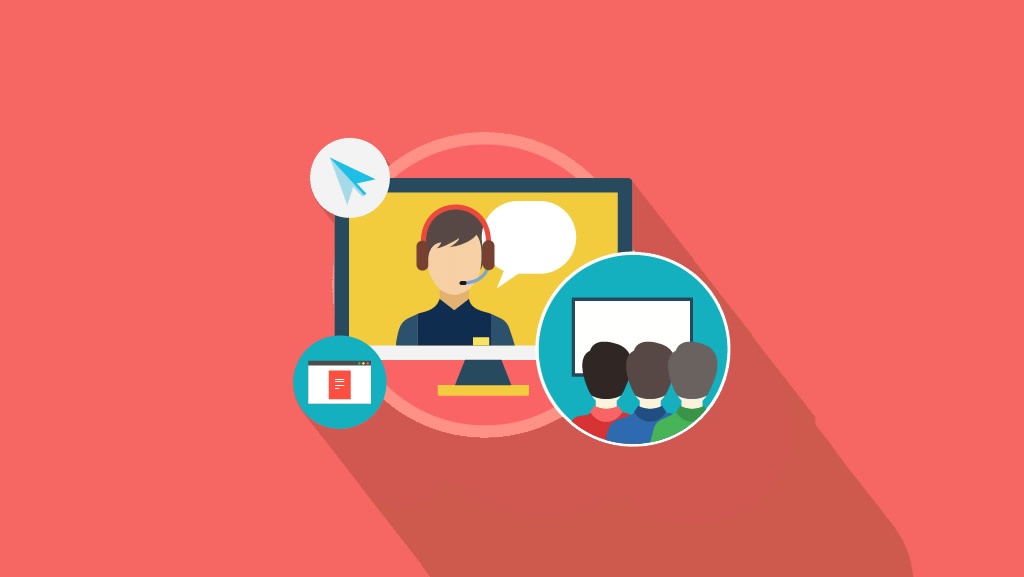
A webinar is a communication tool that can serve us as a branding strategy, to get followers and also to sell our products on the Internet.
In short, we could say that a webinar is an online event like a conference, with content full of value to share with interested users.
Structure of a webinar
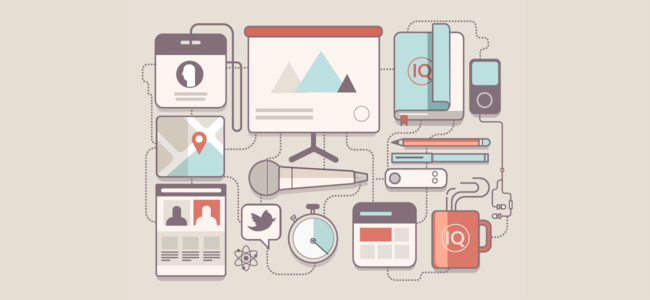
For a webinar to be successful, keep the following points in mind:
1. Choose the reason for your webinar
Select a topic and then choose the title of the conference.
Then create a landing page to attract users to the event. You should choose a high-impact, meaningful image that helps your event go viral more easily on social media.
2. Promote the event on all online media
Get the widest possible reach for the webinar, through promotion on social media, websites, mailing, writing on blogs…
3. Presentation
The presentation is a key aspect for the audience, since a bad presentation will give you a high drop-off rate among users.
It is important that it lasts no more than 5 minutes.
4. The content
You must capture the user’s attention so you can then begin your conference. It is a good idea to give a theoretical introduction and finish with a practical part, where you teach a technique or method that the people who have connected to the conference do not know.
In this section the normal length is 30 to 40 minutes.
5. Selling your product on the Internet?
A webinar can be a perfect tool to sell on the Internet, but not everyone can or knows how to, and what starts out as an explanation of the benefits of a good product can end up a complete flop. These are the steps to follow:
Strategies to sell your product
- Offer a discount coupon to encourage an instant sale.
- Offer a special price for a limited time and only for the people who connected to the webinar.
- Offer a free product that serves as a hook for the paid product.
- Offer the landing page URL so users can see and analyse the product. Remember to use a shortened URL and, while you are at it, customize it with the product name.
How can I run a webinar?
There are different free and paid tools you can use to run your own online event. Here are some of them:
Google Hangout
You can run and broadcast any online event completely free of charge.
Attendees will be able to ask their questions through chat. People who take part with video and audio in the event can customize a small author box and add their name, photo and website address.
This is very interesting to get the people listening to you interested in visiting your blog or your social networks.
Videolink2.me
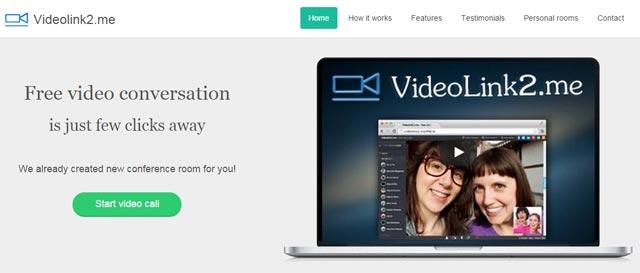
The tool is completely free and lets you import attendees from Google+ and Facebook, so you can send an invitation in a matter of seconds.
The event presenter can share their screen or presentation with attendees, and they will have the chat to ask questions or comment on the event.
Go to Webinar
This is one of the tools most used by medium and large companies when they want to run any online event.
We have different price tiers ranging from €89 to €299 a month, depending on the maximum number of participants, which can reach 1,000.
Guest access is very simple and is done through a custom URL.
Gotowebcast
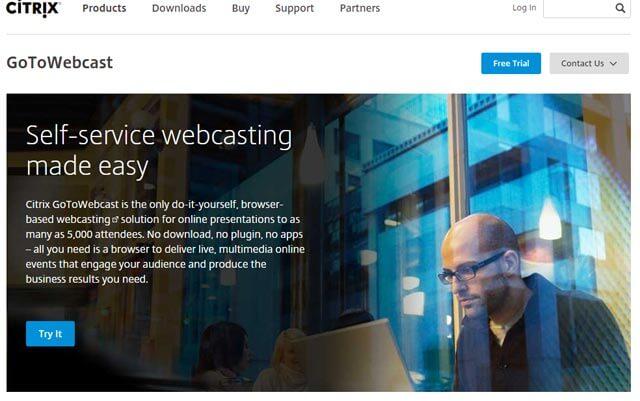
The service allows a maximum capacity of 5,000 participants, an absolute monster, and what I think is a point in its favour is that the user does not have to install anything at all, and it works on any Internet browser.
This option is more recommended for international and high-traffic online events where thousands of people connect.