
A useful UI/UX checklist does more than inspect screens. It checks whether someone can complete a task, understand what is happening and recover from an error. My review includes accessibility, performance, content and human oversight of AI. Design is not finished when the prototype looks good.
The screen is finished. What about the task?
I would not sign off a product on the strength of a collection of visually polished screens. I would want to see a complete journey: what someone needs to do, what information they bring and how they know they have finished. That distinction matters. A well-composed form can still ask for details nobody understands and fail to explain what the request will achieve.
I would use this checklist as a conversation between product, design and development. Each answer should leave evidence, a decision or an acknowledged risk. A yes without evidence tells us little. A no does not always have to stop a launch: an aesthetic improvement is different from a problem that prevents payment, access or information recovery.
There is another difficulty now: generating interface variations with AI is easier than checking them. The volume of proposals is not my main concern. Their finish can make an untested idea look like a validated solution. That is why I would start with these nine decisions rather than the latest tool.
1. Define what completion means
Before reviewing components, I would describe the main task in one sentence: book an appointment, compare two plans or recover a password. Then I would specify the expected outcome. For a subscription change, reaching a confirmation screen is not enough. The person needs to know which plan will be active, when it starts and what it will cost.
The test I would ask for is simple: someone from the intended audience attempts the task without being told where to click. I would record hesitation, misunderstandings and completion. I would not substitute an expert review for observing actual use. They are different methods, and Nielsen Norman Group explains why inspection is not the same as usability testing.
2. Design for things going wrong
A UI/UX checklist needs empty, loading, error and success states alongside the ideal screen. Where relevant, I would include denied permissions, slow connections and expired sessions. The aim is not to draw every possible combination. It is to agree what the system preserves and what the person should do next.
Consider a request that takes too long. Can someone press the button twice? Would that create two requests? Does the message say it has been submitted or merely that it is being processed? My criterion would be that the interface should not force people to guess its state or repeat an action with consequences. That behaviour needs agreement with development, not just a notification component.
3. Stop treating accessibility as a finishing touch
I would use WCAG 2.2 as a technical reference and check the requirements applicable to the particular service. A checklist is not a certification. Additions in WCAG 2.2 include focus not being entirely hidden at level AA, alternatives to dragging movements and accessible authentication. These are not problems that can all be fixed by changing colours at the end.
The level-AA target-size criterion starts at 24 by 24 CSS pixels, with exceptions, including spacing provisions. This does not mean every control must be exactly that size or that every smaller button automatically fails. In design, I prefer to allow room for fingers, imprecise movement and small screens.
I would test keyboard navigation, visible focus, reading order, labels and error messages. I would also check enlarged text and reflow. Then I would inspect the implementation: an accessible-looking prototype does not prove that its HTML, accessible names or focus management work correctly.
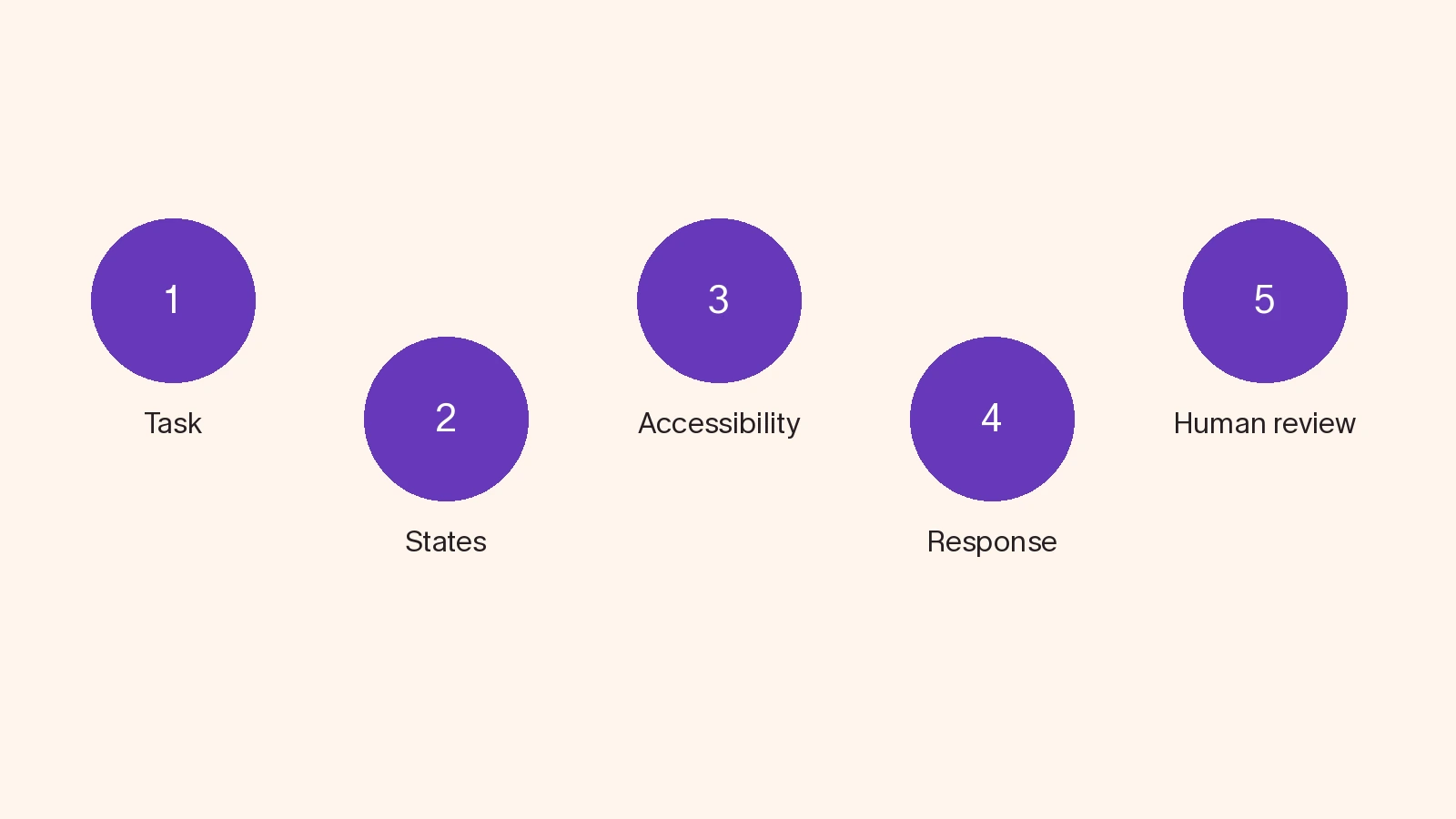
4. UI/UX checklist for content: read without the design
For a moment, I would remove colour and imagery. Is the proposition understandable? Do buttons describe their action? Does the confirmation explain what happens next? If the text only makes sense after someone explains it in a meeting, it is not ready.
For Spanish and English, I would review meaning and length rather than literal translation alone. A heading that fits in a screenshot may break with a longer string, a real name or a larger font setting. Labels and dates need context. Cutting necessary information off with an ellipsis should not be the default solution.
5. Measure response, not just page loading
The experience continues after a page first appears. Interaction to Next Paint, INP, measures responsiveness to interactions. The web.dev documentation defines a good INP as 200 milliseconds or less, assessed at the 75th percentile of visits. That is a technical criterion, not a guarantee that the product is easy to use.
My review would include a lower-powered phone, an imperfect connection and a complete task. If opening a selector makes the interface feel frozen, a fast landing page does not make up for it. I would distinguish laboratory tests from real-user data and state what still needs measurement.
6. UI/UX checklist for design systems: reuse rules
A design system should reduce repeated decisions, not make every existing pattern untouchable. I would review components, spacing, typography, contrast and behaviour. I would also ask whether the component still solves the problem it is being used for.
The result I would want is a small, usable agreement: what we reuse, which variant is needed and who maintains it. An exception that improves a task should be documented. A personal preference does not automatically deserve another permanent variant.
7. Decide where AI needs an exit route
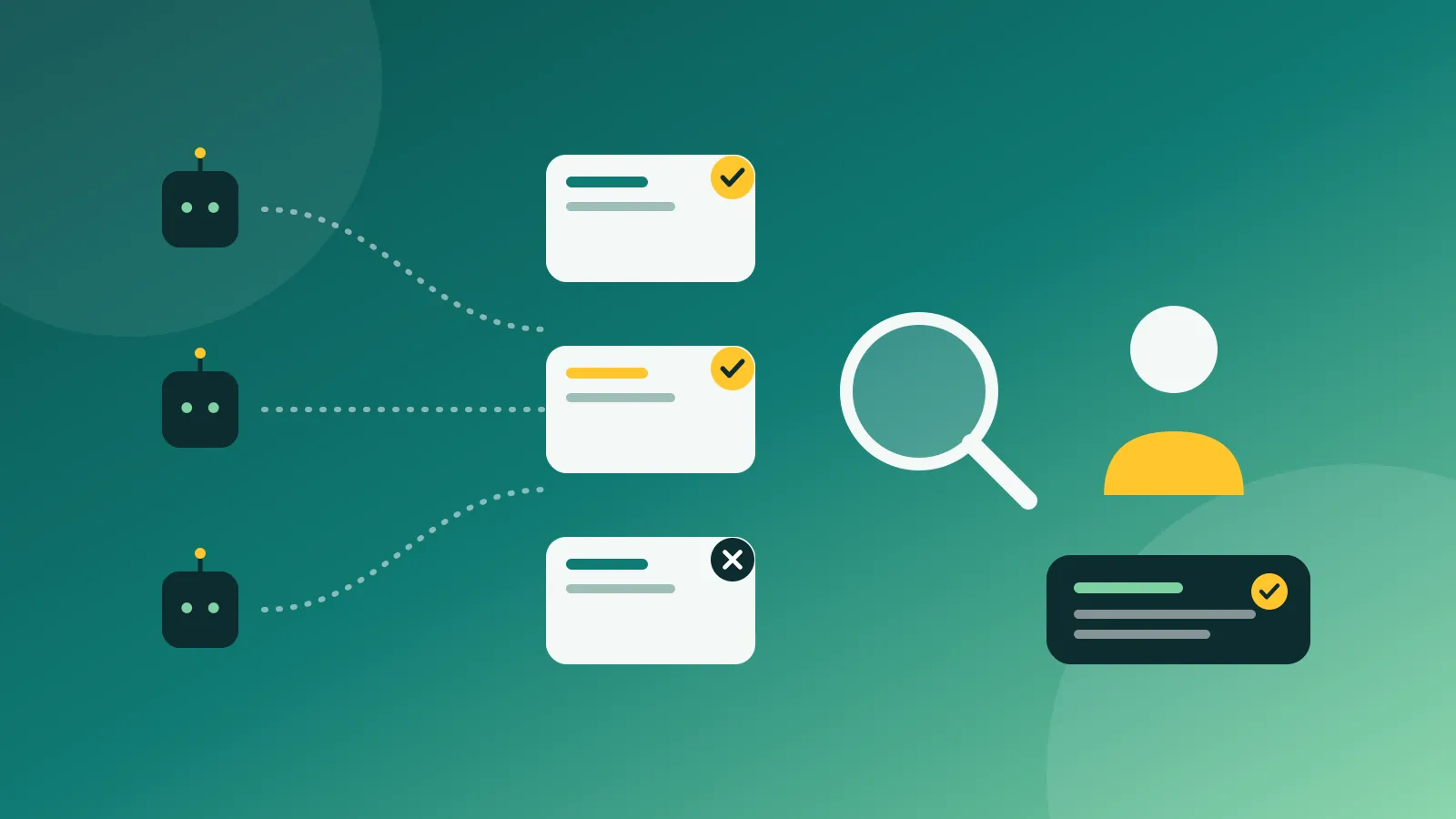
When a product uses AI, I would distinguish a suggestion from an executed action. Showing a draft is not equivalent to sending it, deleting a file or confirming a purchase. People should understand what has happened and what still awaits their decision.
I would ask for safeguards proportional to the risk: review before sending, correction of inputs, understandable limits and a way back where possible. A generic warning is not a substitute for that design. If an output can be wrong, the journey should let people detect and correct the error without demanding expertise they do not have.
8. Choose the signal that would justify a launch
I would not measure success through clicks alone. For a particular task, I would look at completion, errors, abandonment and help requests, where those can be collected appropriately. More clicks can indicate interest or confusion. The journey needs interpretation.
Before publishing, I would define the change we expect and the signal that would make us reconsider. I would not promise percentages without evidence. An explicit hypothesis and reasonable measurement are worth more than a precise target invented to complete a presentation.
9. Close the UI/UX checklist with named owners
The last decision is not visual: who accepts each risk and who will check the result? I would keep a short list of problems, severity, evidence, owner and next step. Critical blockers get fixed. Anything postponed has a reason and a review point.
A UI/UX checklist should support decisions, not provide false reassurance. A ticked box does not make a product accessible, fast or understandable. The evidence is in what someone can do with it. That is the design sign-off I think is worth defending.
Questions to settle before release
Is a visual audit enough? No. It can reveal problems, but it does not replace functional tests, accessibility review or observing people attempting tasks.
Must every recommendation be met before launch? Applicable requirements must be met and risks must not be hidden. Improvements can be prioritised. Failures that prevent essential tasks or cause harm cannot be justified by a good average score.
Can AI perform the review? It can help prepare test cases and identify inconsistencies. I would not treat its answer as evidence of actual use or automatic verification of conformance.
Sources
- W3C: What's New in WCAG 2.2
- W3C: WCAG 2.2
- web.dev: Interaction to Next Paint
- Nielsen Norman Group: UX Expert Reviews (2018)
This UI/UX checklist connects with my approach to product and digital consulting: review the task, the interaction and how the result will be measured.