

For almost three years we have been talking to AI through a text box. You type, you wait, you read a block of text. It works, but every time I have to compare options, pick a date or check some figures in a chat, I think the same thing: on a normal screen this would take two clicks. Apparently I’m not the only one, because Google, Apple, Vercel and the people behind the agent protocols have been moving in the same direction since 2025: AI that doesn’t just answer, but builds the interface you need at each moment, an interface that moves and changes with the content.
In short: Generative UI means screens that are built or rearranged based on what you ask and what the AI is doing, with motion that explains the changes. It already ships in real products (Gemini, Google’s AI Mode, tools like Vercel’s AI SDK or the A2UI project), but it doesn’t replace design. It moves design towards defining components, limits and behaviours.
Chat was the first step, not the destination
Jakob Nielsen put it well back in 2023, in AI: First New UI Paradigm in 60 Years. Until now we told the computer what to do, step by step. With AI we tell it the outcome we want and it decides how to get there. Nielsen calls it “intent-based outcome specification”, and points out that it reverses the locus of control.
The same article has two ideas that, years later, are still the most useful part of it. First, chat forces you to write your problem out as prose, and that leaves a lot of people behind: he considers it likely that half the population in rich countries is not articulate enough to get good results from a bot. Second, clicking or tapping things on a screen is still intuitive and essential, so the logical outcome is a hybrid interface: intent on one side, good old graphical elements on the other.
My take: chat was never AI’s interface. It was just the fastest thing to build.
What generative UI actually is
Nielsen Norman Group defined it in 2024 in Generative UI and Outcome-Oriented Design: a generative UI is a user interface dynamically generated in real time by AI to fit the user’s needs and context. The key nuance is who benefits. It’s not using AI to design faster (that is AI-assisted design). It’s every end user getting an interface built for them, at that moment.
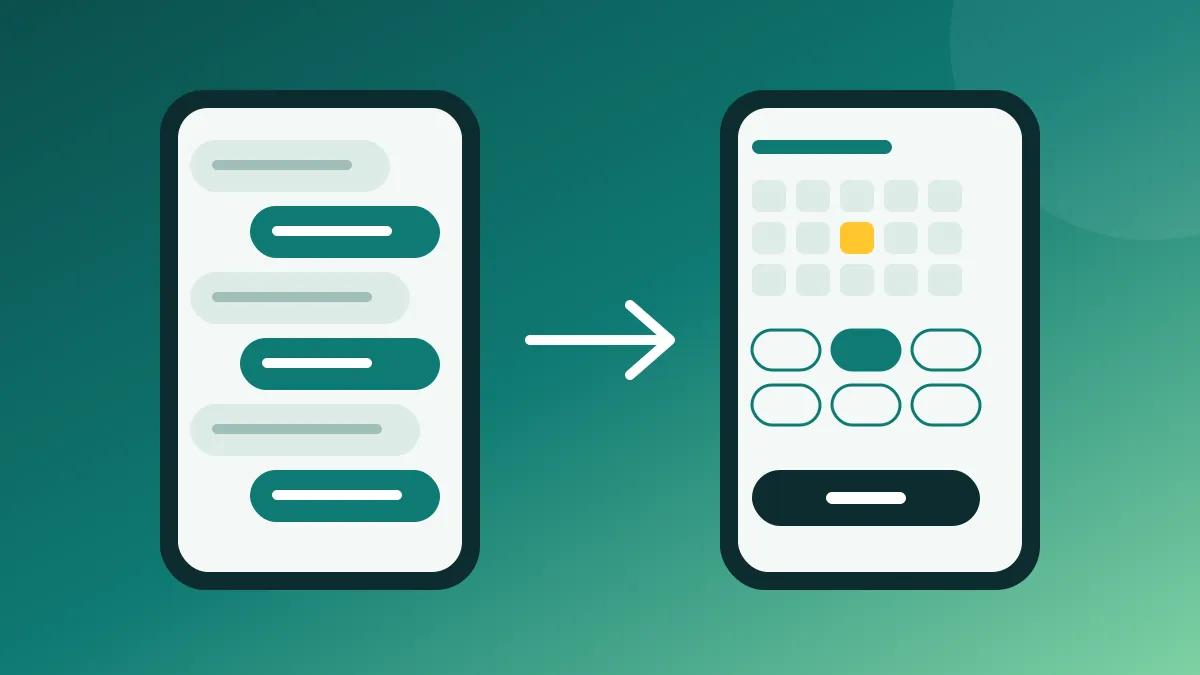
My favourite example is the one Google uses to introduce A2UI, its open project from December 2025: booking a restaurant table by chat. Which day, what time, no availability, what times do you have… A slow back and forth. Their proposal is for the agent to generate a simple form with a date picker, a time selector and a button. In the end, it’s what any designer would do. The difference is that now the AI decides it based on the conversation, not a fixed flow.
This is no longer theory: where it’s showing up
Several things have happened in the last few months, and they are worth separating because they are not the same thing.
Google: interfaces generated on the fly
In November 2025 Google Research published Generative UI: A rich, custom, visual interactive user experience for any prompt. They explain that their implementation, built on Gemini 3 Pro, creates full interactive pages, tools or simulations for each prompt, and that it’s rolling out in the Gemini app (the “dynamic view” and “visual layout” experiments) and in AI Mode in Search.
What I find most interesting is the data they share, because it’s honest. In their tests, human raters strongly preferred these interfaces over standard text or markdown answers, but without taking generation speed into account. Websites designed by human experts were still the most preferred. And they admit it can sometimes take a minute or more, with occasional inaccuracies. In other words: it works, people like it, and it’s still slow and not always right.
Vercel and the protocols: components the AI picks
On the development side, the approach is more controlled. In the Vercel AI SDK generative UI docs the idea is simple: you give the model tools (for example, getting the weather), the model decides when to use them, and the result is rendered with a component you designed. Even the states are covered: loading, result or error.
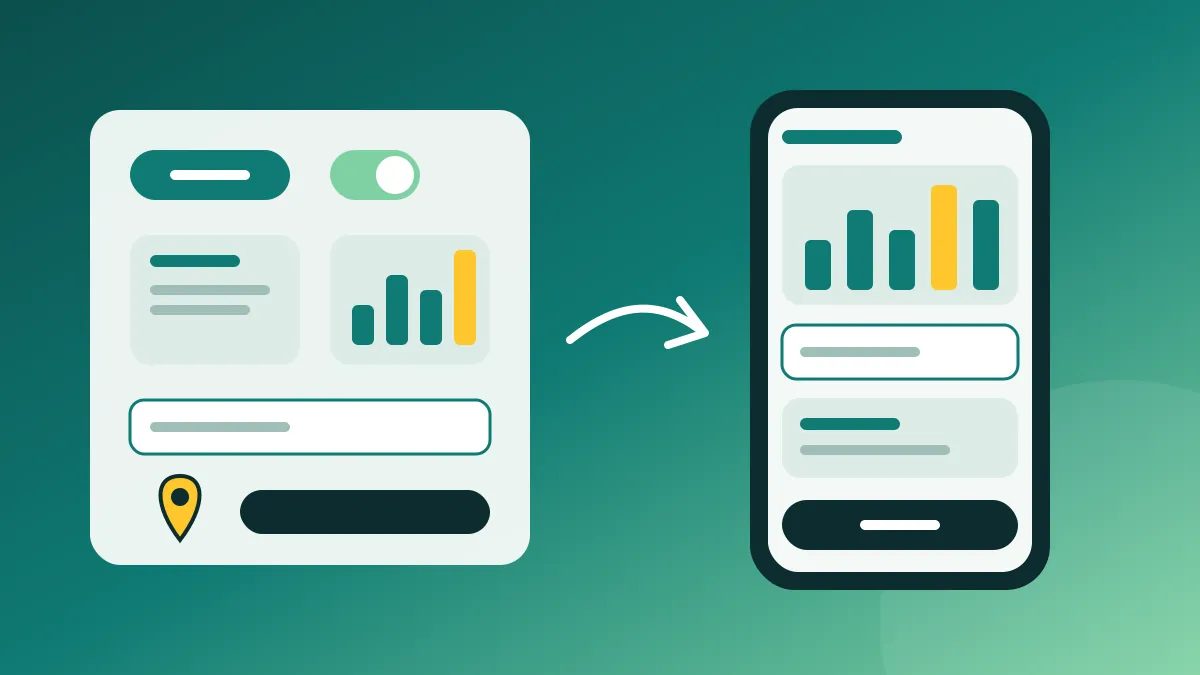
A2UI follows the same line: the agent doesn’t send code, it sends a description of which components it wants, and the app renders them with its own styles from a catalogue of approved pieces. Google justifies it on security grounds, but to me it matters just as much for brand: the interface still looks like yours. And MCP Apps, from the Model Context Protocol, solve another part: letting a service return an interactive interface (charts, forms, dashboards) right inside the conversation. Their docs sum it up in a line I agree with: text responses can only go so far.
Apple: a material that adapts to content
Apple doesn’t talk about AI here, but it’s heading the same way from another angle. In June 2025 it introduced Liquid Glass, its new visual language, and Alan Dye, its VP of Human Interface Design, describes it as a material that “transforms depending on your content or context”. Buttons, bars and menus that change depending on what’s underneath. An interface that stops being a fixed backdrop and starts reacting.
Why motion is the part that matters
When a screen assembles itself, the risk is that the user doesn’t understand what changed or why. That’s where motion comes in, and not as decoration.
In 2018, in the WWDC talk Designing Fluid Interfaces, Apple’s team said something I still quote: it’s not that our interfaces should be fluid, it’s that we’re fluid, and our interfaces need to be able to respond to that. From that talk I keep four principles that fit very well with an AI that takes action:
- Respond instantly. Any delay breaks the feeling that the tool is an extension of you. With an AI that takes seconds, this means showing something from the very first moment: that it understood, and what it’s doing.
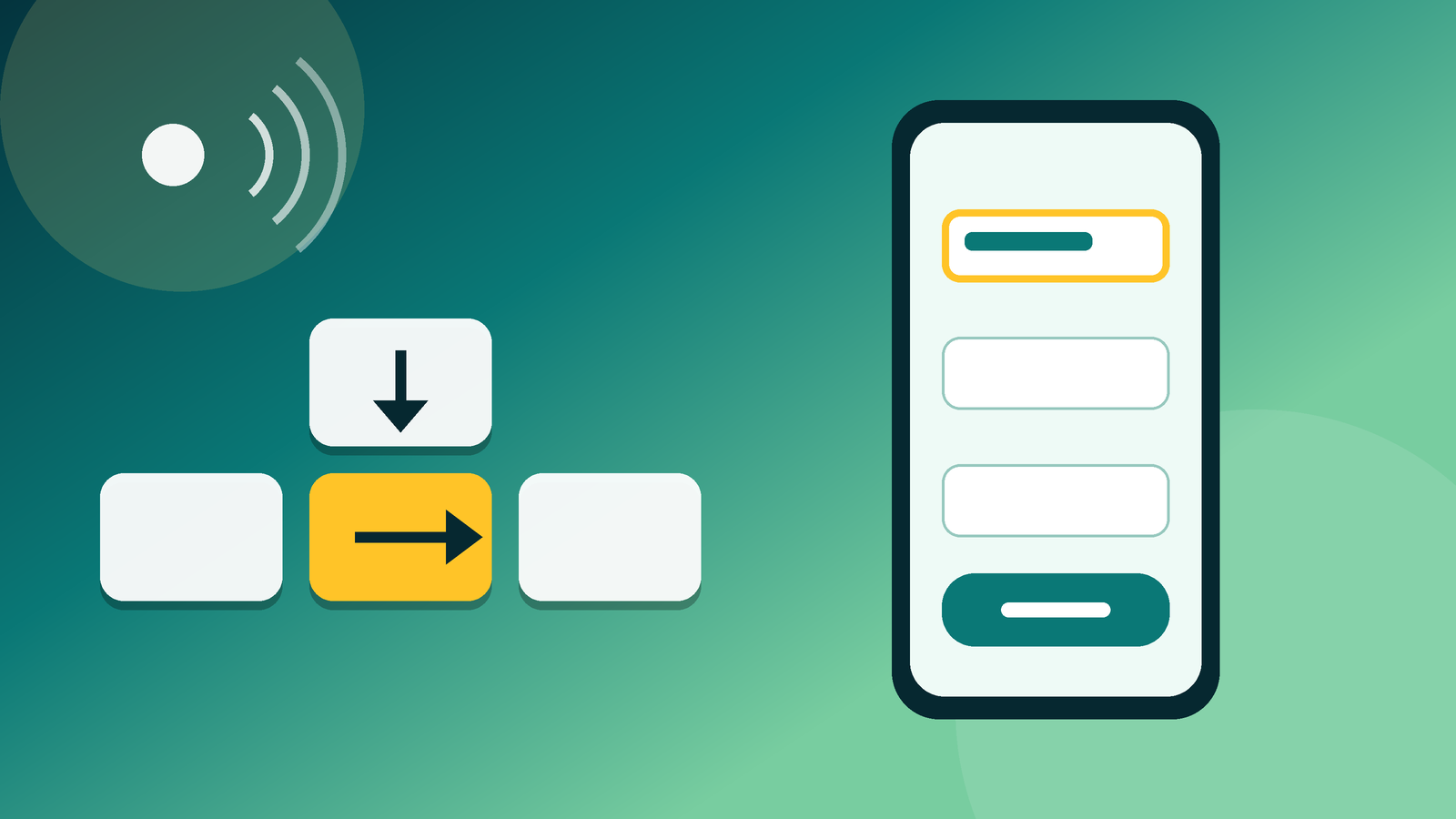
- Allow interruption and changes of mind. If the AI is building something and you see it’s going the wrong way, you need to be able to stop or correct it halfway, not wait for it to finish.
- Spatial consistency. What leaves one way comes back the same way. If a panel appears, the user needs to know where it came from and where it goes.
- Purposeful motion. They recommend starting with no bounce and only using it when the gesture calls for it. They even avoid talking about “duration”, because motion should be a continuous behaviour, not a closed animation.
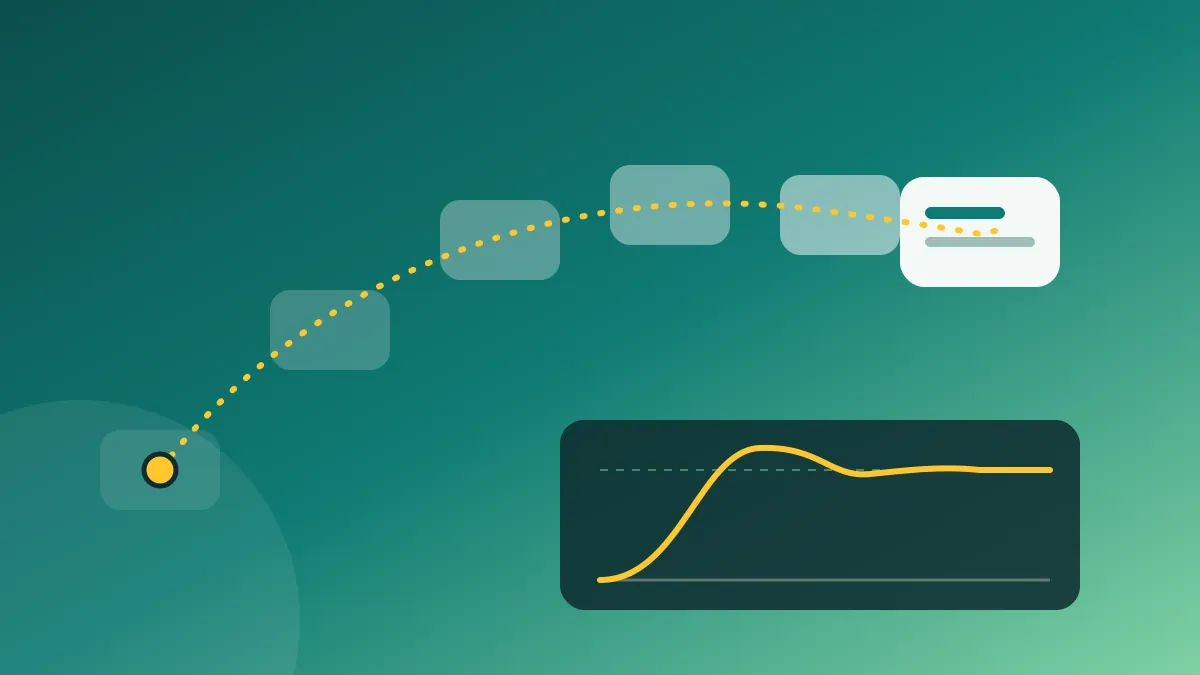
Nielsen Norman Group says it more bluntly in The Role of Animation and Motion in UX: animation must be unobtrusive, brief and subtle, and it’s there for feedback, state changes and helping users find their way. Motion grabs attention whether we like it or not, so if it doesn’t help, it gets in the way.
In generative UI this matters twice as much. If the AI adds a card, reorders a list or swaps a chart, motion is what tells the user “this is new, this changed, this is still where it was”. Without it, every answer is a different screen you have to read from scratch.
What doesn’t convince me (yet)
Having weighed up the pros and cons, I think there are three problems that better models alone won’t fix.
Consistency. NN/g’s own article warns about it: if the interface changes based on your needs, you could see a different screen every time, and that forces you to relearn it. Much of what we know how to use is built on conventions (logo top left, main button in its place). An interface that changes everything every time is more tiring, not less.
Speed. Google admits its implementation can take a minute or more. For learning about a topic, fine. For booking a table, no. For me, this is why the predefined-component model (Vercel, A2UI) has more mileage in the short term for business products: it’s faster, more predictable and testable.
Accessibility of motion. I’ve already written about web accessibility as a product decision, and it applies here too. WCAG success criterion 2.3.3 asks that motion animation triggered by interaction can be disabled unless it’s essential, because for some people motion causes dizziness, nausea or migraines. It’s a Level AAA criterion, but in an interface that moves a lot I don’t see it as optional. Browsers make it easy with prefers-reduced-motion, which detects whether the user has asked their system to reduce motion.
What changes in product design work
This is where I see the biggest shift, and it’s not that design disappears. NN/g calls it outcome-oriented design: instead of designing every screen, the designer defines goals, limits and rules within which the AI generates the interface. They give an example I find very practical: sorting information into “must show”, “should show” and “never show”.
Applied to how I work with teams, I’d make it concrete like this:
- A closed, well-built component catalogue. Accessible, with its states (loading, empty, error, result) and its motion defined. If the AI can only use good pieces, the result starts from a minimum level of quality.
- Written rules, not implicit ones. What the AI can decide (order, which component to use, what data to show) and what it can’t (prices, legal terms, the payment button).
- A shared motion language. How something new comes in, how something gets replaced, how you show the AI is working. Few rules, always the same.
- The AI’s status always visible. Thinking, searching, building, done. It’s what Nielsen calls visibility of system status, the first of his usability heuristics, and with an AI acting on your behalf it’s what builds the most trust.
- Test with people, not screenshots. An interface that changes with context can’t be validated with a static prototype. You need to see how people react when the screen moves.
Years ago I wrote about ways to improve the interaction of a web service and about when Google updated its Material Design guidelines. Reading them again, what has changed is who composes the screen. What hasn’t changed is what makes it work: the user understanding where they are, what just happened and what they can do next.
How I explain it to a client
The client doesn’t care whether it’s generative, adaptive or fluid. They care whether their product will be easier to use and whether it will sell more. I’d tell them there’s no need to rebuild anything to get started. Pick one task where users today have to type a lot or go through many steps (search, compare, configure, book) and try an answer with components instead of text there. With clear metrics: time to complete the task, errors and drop-offs. If it improves, scale it. If not, you’ve learned cheaply.
What I wouldn’t promise is an interface that designs itself. It doesn’t exist today and, judging by what the vendors themselves say, it will take a while.
What is generative UI?
An interface that AI builds or rearranges in real time based on what the user asks and what the AI is doing, instead of always replying with a block of text in a chat. Motion is often used to explain the changes.
What’s the difference between generative UI and adaptive UI?
Adaptive UI changes elements of an existing design depending on context. Generative UI goes further: the AI decides which components to show and how to combine them for each request, sometimes creating the whole screen.
Will generative UI replace chat interfaces?
Not entirely. The most likely outcome, as Nielsen suggested, is a hybrid interface: typing or speaking to express intent, and graphical components to see, compare and decide.
How do you make a motion-heavy interface accessible?
Respect the system’s reduced-motion preference, allow non-essential animation to be turned off (WCAG 2.3.3), and make sure the interface makes just as much sense without animation.
Where all this leaves me
In any case, I think it’s good news. For these past years AI has made us adapt to it: learning to write prompts, reading long answers, copying and pasting. Now it’s starting to work the other way round, with the interface adapting to what you need. But for that to work you need the usual things: good components, clear rules, motion that makes sense and testing with real people.
If you’re thinking about bringing some of this into your product and want to look at it together, here’s my page on product design. And if you’re interested in how AI is changing the traffic side, I wrote about showing up in Google’s AI Overviews and AI Mode.